
Need printer repair in Dubai for an office printer that keeps jamming, prints poorly or will not connect? L-Techer helps diagnose printer faults and restore everyday printing for businesses and home offices. Share the brand, model and error message so we can discuss the right next step.
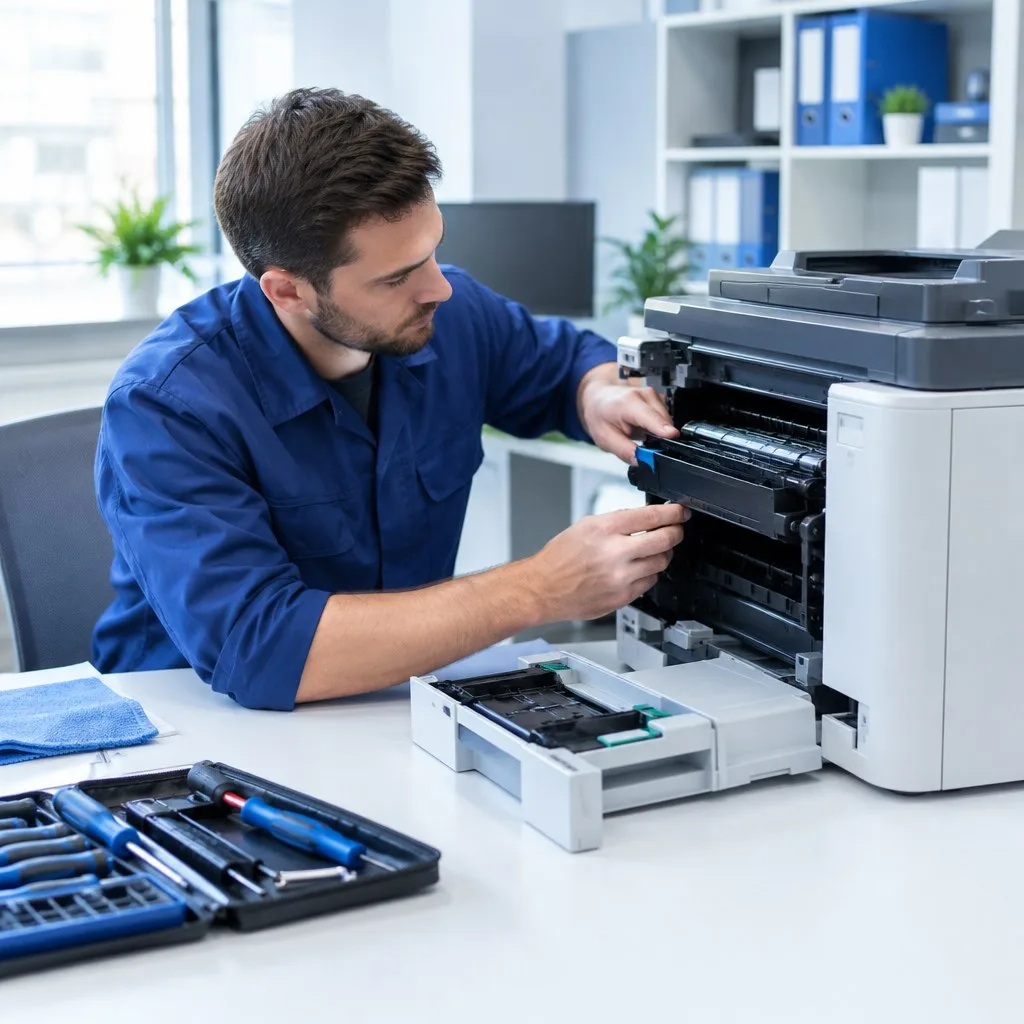
We handle enquiries for laser printers, inkjet printers and multifunction printers. The repair approach depends on the model, fault and availability of suitable parts. If your equipment is a larger office copier, visit our dedicated photocopier repair page.
Printer faults we help investigate
- Repeated paper jams, multiple-sheet feeding and paper pickup problems.
- Faded printing, streaks, spots, smudges and uneven print quality.
- Printer offline messages and print jobs stuck in the queue.
- USB, Wi-Fi and wired network printing problems.
- Driver installation errors and printing from office computers.
- Duplex printing, tray selection and paper-size setting problems.
- Error codes and interruptions during printing.
A printing fault is not always a failed printer. A queue problem, incorrect driver, unsuitable paper or connection issue can produce similar symptoms. We check the reported behaviour before advising on repair or replacement.
Office printer repair and print-quality troubleshooting
When a printer produces lines or faded pages, the cause may involve the ink or toner supply, the imaging components, maintenance needs or print settings. We assess the model and sample output to identify which checks are appropriate. For feeding problems, we review the paper path, tray setup and relevant feed components.
Where a replacement component is required, the proposed work depends on diagnosis and parts availability. Contact us to discuss the likely cost and whether repairing the machine makes sense for its age and workload.
Network printer setup and offline printer support
If a printer works from one computer but fails from another, the problem may belong to the device, driver or network rather than the printer mechanism. We can investigate shared printing, printer IP configuration, connectivity and print queues as part of your office setup.
For issues affecting several connected devices, see our office network setup and Wi-Fi support. For broader workstation or software problems, our IT support services in Dubai can help coordinate the work.
Printer brand and model enquiries
Contact us about HP, Canon, Epson, Brother, Samsung, Xerox, Ricoh, Kyocera and other printer models. Send the exact model number so we can confirm service suitability and any parts requirements. Repair options vary between home inkjet devices, office laser printers and multifunction machines.
How our printer repair process works
- Tell us the symptoms: provide your location, model and any displayed error code.
- Discuss diagnosis: explain when the issue started and whether it affects printing, scanning or connectivity.
- Review the proposed work: confirm the repair scope and any parts or configuration changes needed.
- Check the result: test the affected printing functions after the agreed work is completed.
Request printer support in Dubai
Let us know whether the printer is in a home office, shared workplace, shop or other business premises. Include the number of users affected and whether printing has stopped completely. Contact L-Techer to arrange service availability and discuss the suitable visit or assessment arrangement.
Frequently asked questions about printer repair
How much does printer repair in Dubai cost?
The price depends on the fault, model, required parts and service arrangement. Send the equipment details and symptoms for a quote on the appropriate work.
Can you fix a printer that keeps showing offline?
We can investigate offline errors, drivers, queues and network connections. The correct fix depends on whether the issue is with the printer, computer or network.
Should I repair my printer or buy a new one?
Compare the repair quote, machine age, condition, running costs and printing volume. Diagnosis helps you decide whether repair is worthwhile.
Do you repair multifunction printers?
We accept enquiries for multifunction devices. Mention whether the problem affects printing, copying or scanning, and provide the model so we can confirm the scope.
What should I send before booking?
Send the model number, error message, fault description and location. A sample page can help with print-quality issues; remove confidential information before sharing it.
Related technology services
Need help with several systems? Explore all L-Techer technology services in Dubai and the UAE to discuss IT support, networking, CCTV, telephone systems, office printing and website requirements together.
Request a service quote
Call +971 50 342 6287, message L-Techer on WhatsApp, or email sales@ltecher.com. You can also contact our Dubai team to discuss the equipment, location and work required.


