
Get help with computer, email, software and office configuration problems without waiting for a site visit. L-Techer provides remote IT support in Dubai and across the UAE through an agreed remote access application, with your permission.
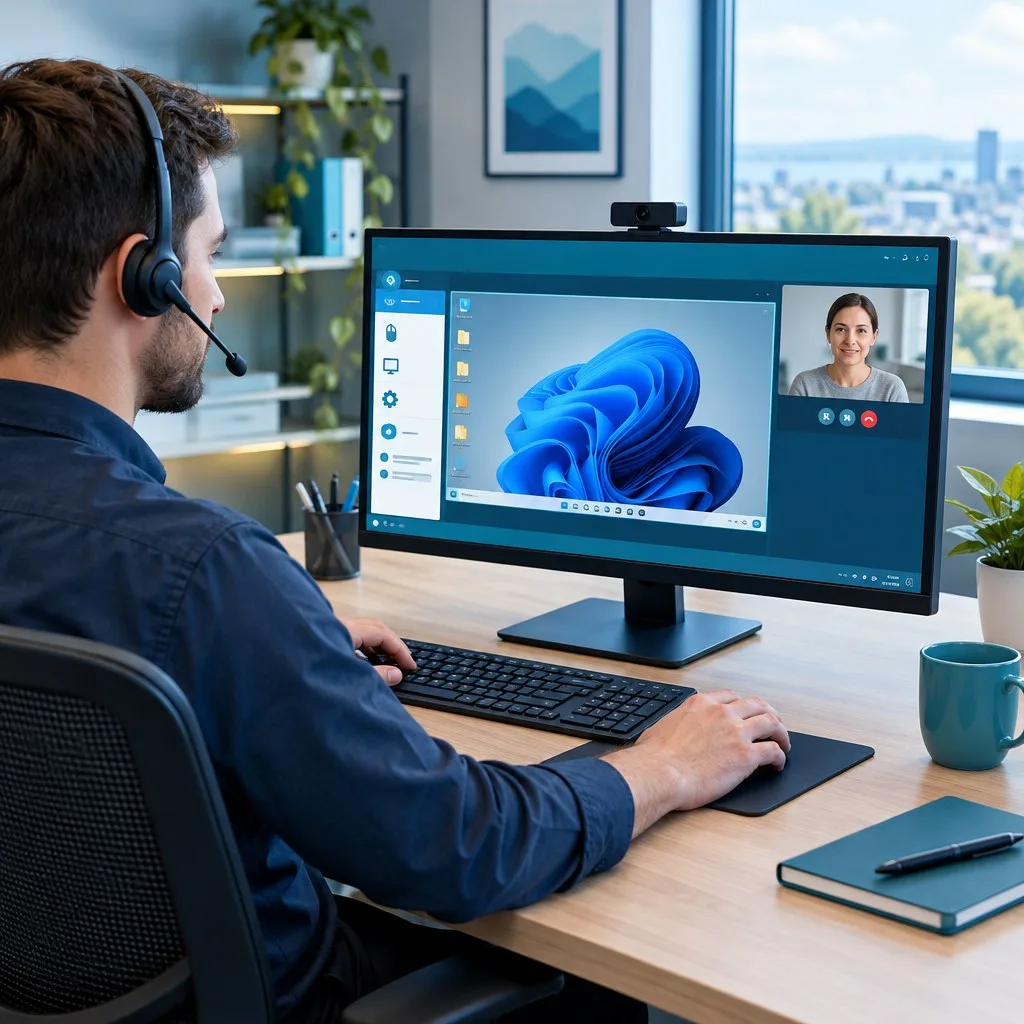
Remote support lets a technician view your screen and, when you allow it, operate your computer to diagnose a problem or change settings. It is suitable for many software and configuration issues when the device can start, connect to the internet and run the support application.
Request remote IT support on WhatsApp Call +971 50 342 6287
How remote IT support works
- Contact L-Techer: tell us the problem, device type, operating system and any error message. We discuss whether a remote session is suitable and confirm the proposed work and charges.
- Open the agreed remote access software: we guide you to the software provider’s official download or session link. Depending on the agreed application, you may join a session or share its connection ID. Do not install software from an unexpected caller or an unverified message.
- Approve the connection: for an attended support session, you accept the request and grant the permissions needed for the work. Keep the device powered on and connected to the internet.
- Watch the diagnosis and configuration: you can see what happens on your screen and speak with the technician while we check the fault. Some changes require you or your organisation’s administrator to approve an elevated permission prompt.
- Test the result together: we check the affected function, explain any remaining steps and end the session. A restart or a second connection may be needed for some changes.
Computer issues we can investigate remotely
- Slow computer performance: review startup applications, background processes, available storage and relevant settings. Hardware condition may require further assessment.
- Windows and application errors: troubleshoot updates, software crashes and configuration problems where the computer remains accessible.
- Software installation and setup: install or configure compatible applications using authorised licences and trusted installation files.
- Browser problems: investigate unwanted extensions, browser settings, download issues and website access problems.
- Drivers and connected devices: review compatible drivers, audio settings, webcams and other peripherals where remote checks are possible.
- Suspicious software symptoms: review alerts and run appropriate checks. A remote session cannot guarantee that a compromised device is clean; serious incidents may need specialist assessment.
Outlook, email and Microsoft 365 support
Remote access can help us investigate Outlook errors, mail sending or receiving problems, account configuration, profile issues and mail-store problems. The correct approach depends on whether you use Outlook, a webmail service or another email application, and on your account permissions.
- Configure supported email accounts and review incoming and outgoing server settings.
- Investigate Outlook startup errors, stuck mail queues and profile problems.
- Review mail storage, archive options and PST-related issues, with backup planning before changes to data files.
- Help configure Microsoft 365 applications and account sign-in where authorised.
- Review email signatures, supported mailbox access and shared-mailbox settings.
Enter account passwords and verification codes yourself where possible. Do not send banking credentials or one-time payment codes as part of a support request.
Printer, scanning and shared-folder configuration
A printer that shows offline or fails from one computer may have a driver, queue or connection issue. With access to the relevant computer and reachable equipment, we can investigate office printer problems and supported printing settings.
- Install compatible printer drivers and add authorised network printers.
- Investigate offline messages, stuck print jobs and shared printing.
- Configure supported scanning destinations and scan-to-email settings.
- Review shared folders and access permissions with the owner’s approval.
Paper jams, damaged parts and other physical faults need someone at the machine and may require photocopier servicing or an on-site repair.
Office systems we can configure remotely
Remote configuration is possible when the system is already installed, powered on and accessible through an authorised connection. We confirm compatibility and access before agreeing the work.
- Networking: review computer IP and DNS settings, authorised VPN connections and reachable network devices. Changes that interrupt the internet connection may need someone on-site. See network and Wi-Fi support.
- PABX and IP phones: configure supported extensions, ring groups, call routing and calling permissions on an accessible system. See PABX installation and configuration.
- CCTV software: help configure compatible viewing applications and review settings on an authorised, reachable recorder. Camera installation and cabling require a site visit. See CCTV services.
- Backup settings: configure supported backup software and review the selected files and destination. Successful backup and recovery depend on the equipment, storage and available data.
Remote access software and your permission
Software such as TeamViewer or AnyDesk can be used for remote support, depending on the agreed tool, compatible device and applicable commercial licence. Permission requirements vary by operating system. Screen viewing, keyboard and mouse control, file transfer and administrator access are separate capabilities and should be granted only when needed.
For a normal attended session, you remain present and can end the connection. Ongoing unattended access is a separate arrangement: it requires the device owner’s explicit approval, an agreed purpose and access controls. It is not automatically required for a one-time repair.
Before the session, close private documents and unrelated applications. Tell us if the device belongs to your employer, as organisational approval may be needed. Keep a current backup of important files, especially before changes affecting email data, storage or system configuration.
When remote support is not enough
Remote software needs a working connection and a device it can reach. A computer that will not power on, a broken screen, failed hardware, damaged cabling or a total loss of internet access usually needs local assistance. Operating-system reinstalls, serious security incidents and data recovery may also require an on-site assessment or a different support method.
If the fault cannot be resolved remotely, we explain the next step. Explore our computer and laptop repair services or home and office IT support.
Frequently asked questions about remote IT support
Can you help anywhere in the UAE?
We welcome remote support enquiries from Dubai, Abu Dhabi, Sharjah, Ajman, Ras Al Khaimah, Fujairah and Umm Al Quwain. A suitable device, stable internet connection and authorised access are needed; appointment availability is confirmed when you contact us.
Do I need TeamViewer or AnyDesk already installed?
No. We first agree which application to use and guide you to its official download or session link. The connection process depends on the selected software and your operating system.
Can you access my computer after the session?
Ending the current session stops that connection. Whether another connection can be made depends on the application’s settings. We agree any ongoing access separately; you can disable unattended access or remove the support application when it is no longer needed.
Can remote support fix every computer problem?
No. Many software and configuration faults can be investigated remotely, but hardware repairs and inaccessible devices usually need local assistance. We assess suitability before proceeding.
How much does remote IT support cost?
The charge depends on the issue, scope and time required. Contact us with the symptoms to discuss the proposed work and charges before the session.
Can you configure a new office remotely?
We can discuss software and system configuration after the computers, network and other equipment are physically connected and accessible. Installation, cabling and physical testing may require someone on-site.
Book a remote IT support session
Send your device model, operating system, a brief fault description and preferred appointment time. Include a screenshot of the error if useful, with private information removed. Do not send passwords in your initial enquiry.
Call +971 50 342 6287, message L-Techer on WhatsApp or email sales@ltecher.com. Browse all our technology services if you need support with several systems.


